
Install for everyday use
Install on the computer’s hard drive or SSD for regular use. Keep track of supplies, documents and preparedness.
Keep Wikipedia, documents, offline maps, local AI and your supplies together on one computer. Run from USB or install on a hard drive or SSD. Share your prepared material with phones and tablets over local Wi-Fi.
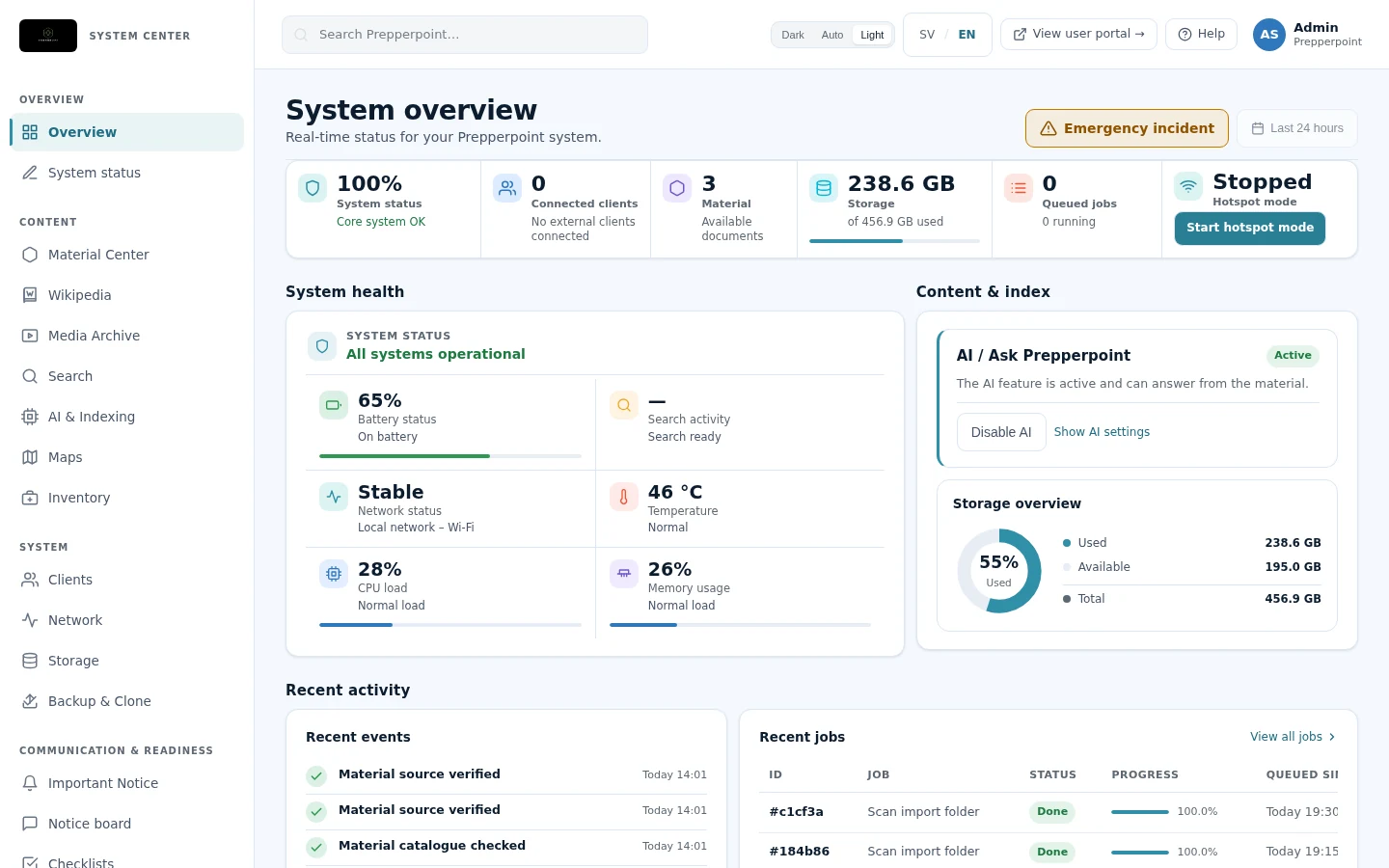
FROM USB OR INTERNAL DRIVE
Run Prepperpoint from USB or install it on the computer’s hard drive or SSD. The computer becomes both your workspace and a local server that shares material, without requiring server administration skills.
ON YOUR PHONE, TOO
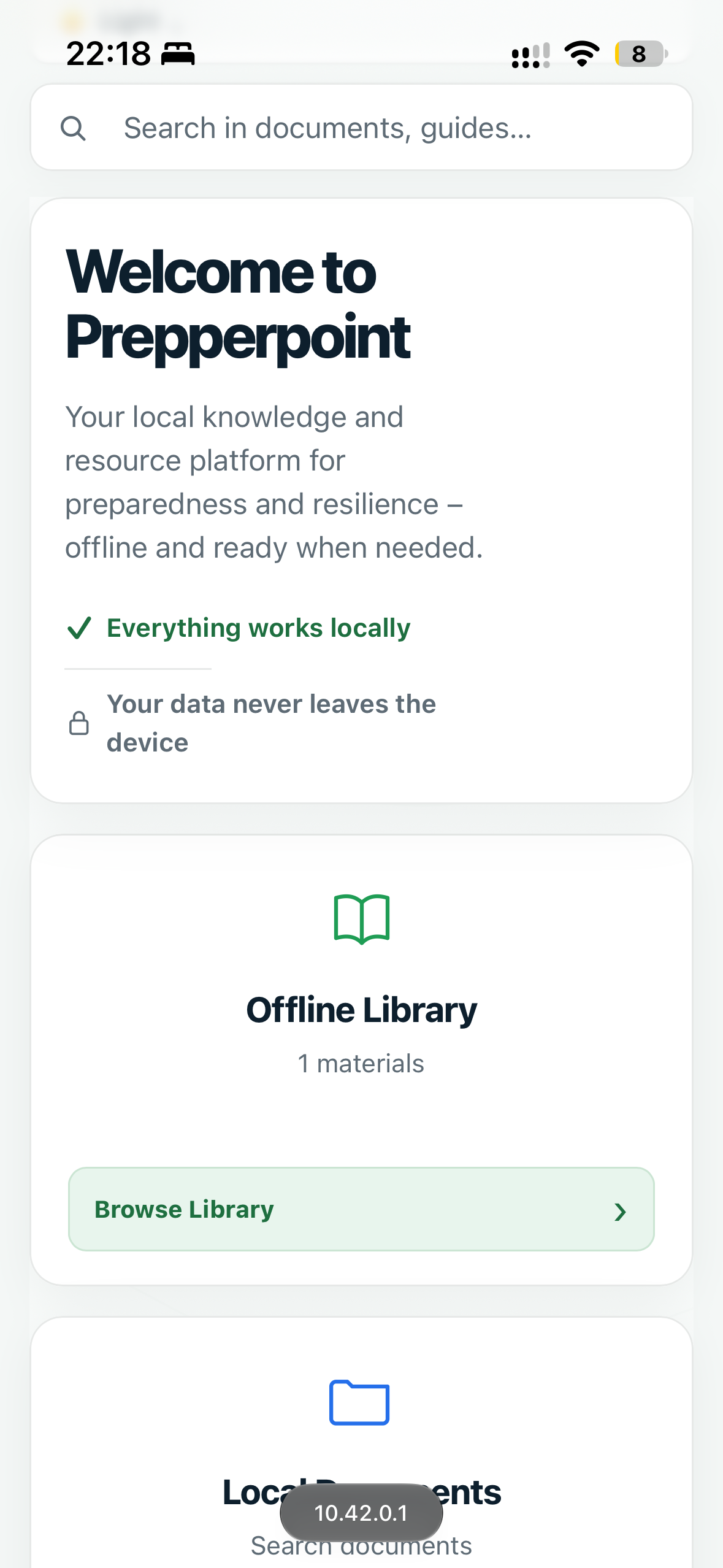
Connect your phone to Prepperpoint’s local Wi-Fi and open the user portal in your browser. Read documents, use local AI and check your inventory from your phone.
Over local Wi-Fi · No extra appReal mobile views with the English interface. Available content depends on the installation.
Run Prepperpoint from a prepared USB drive or install the system on the computer’s internal hard drive or SSD.
Boot from USB or the internal drive. Use the library, maps and inventory directly on the computer.
Hotspot mode turns the computer into its own Wi-Fi network. Connect phones and tablets and open the material in a browser.
Install on the computer’s hard drive or SSD for regular use. Keep track of supplies, documents and preparedness.
Keep a prepared USB drive with your emergency supplies, test it occasionally and keep its content up to date.
Prepare content before you need it offline. The computer needs power. The USB option requires USB boot support, and wireless sharing requires Wi-Fi hardware that supports hotspot mode.
View the installation guideSEE THE SYSTEM
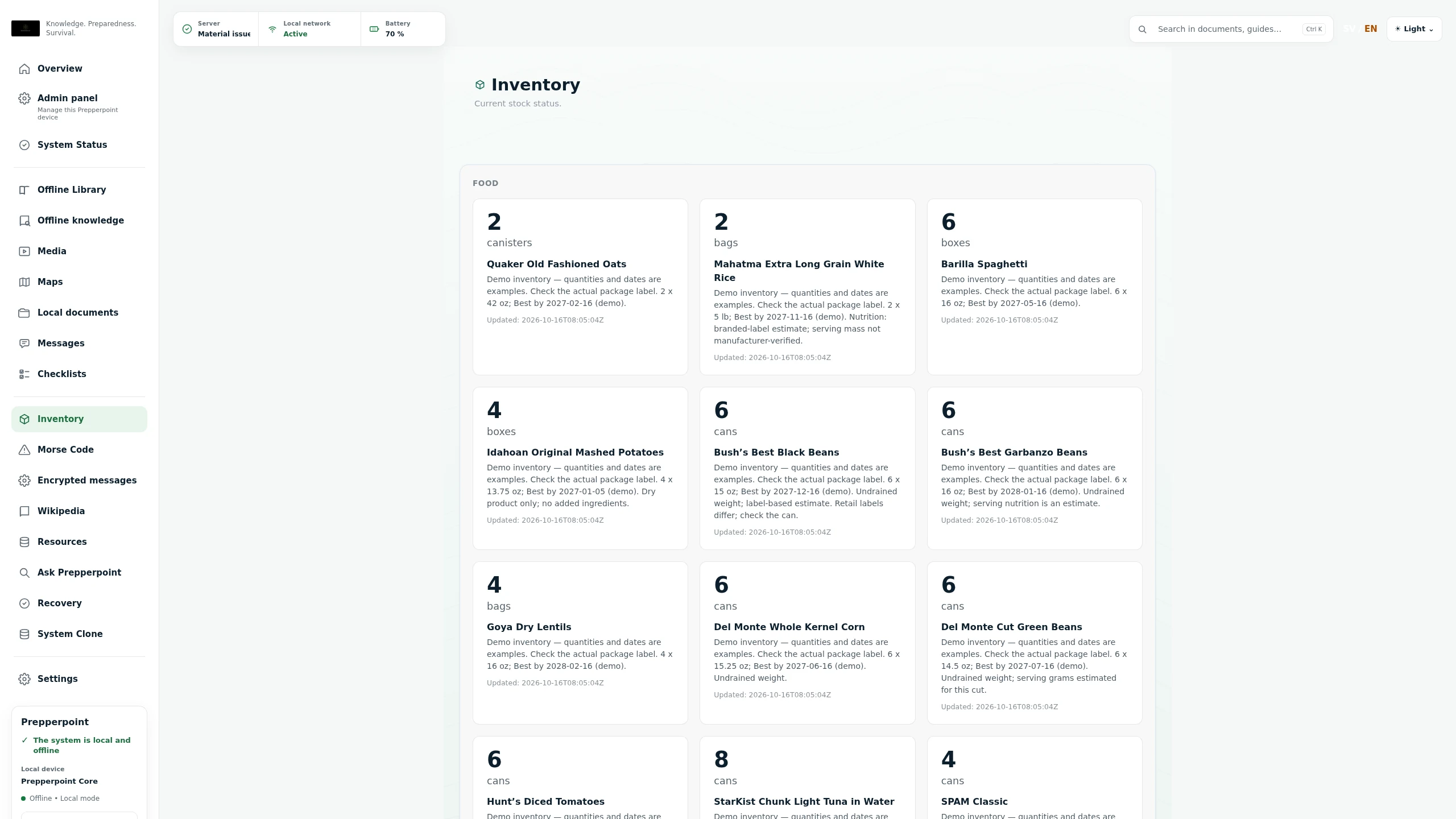
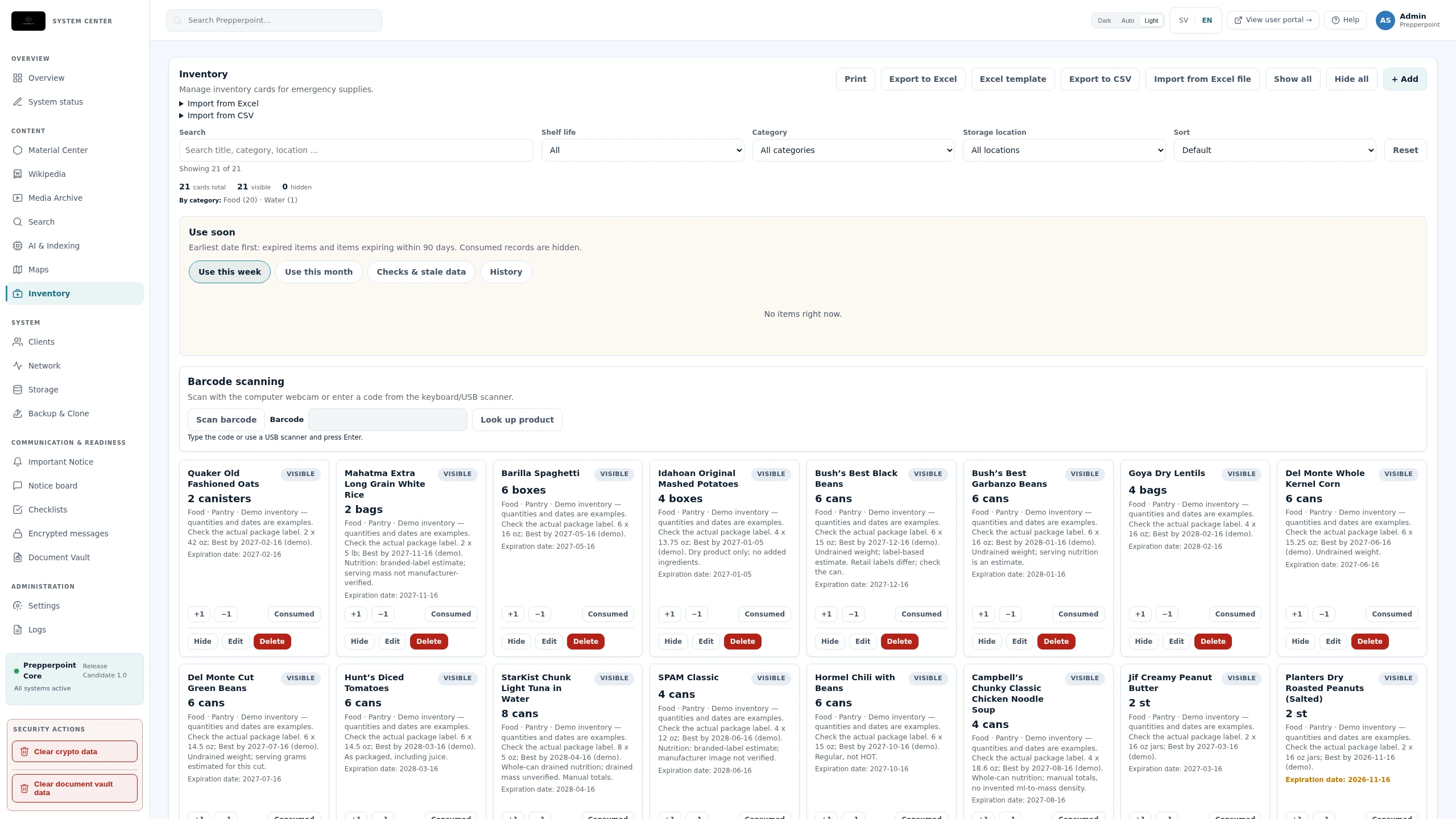
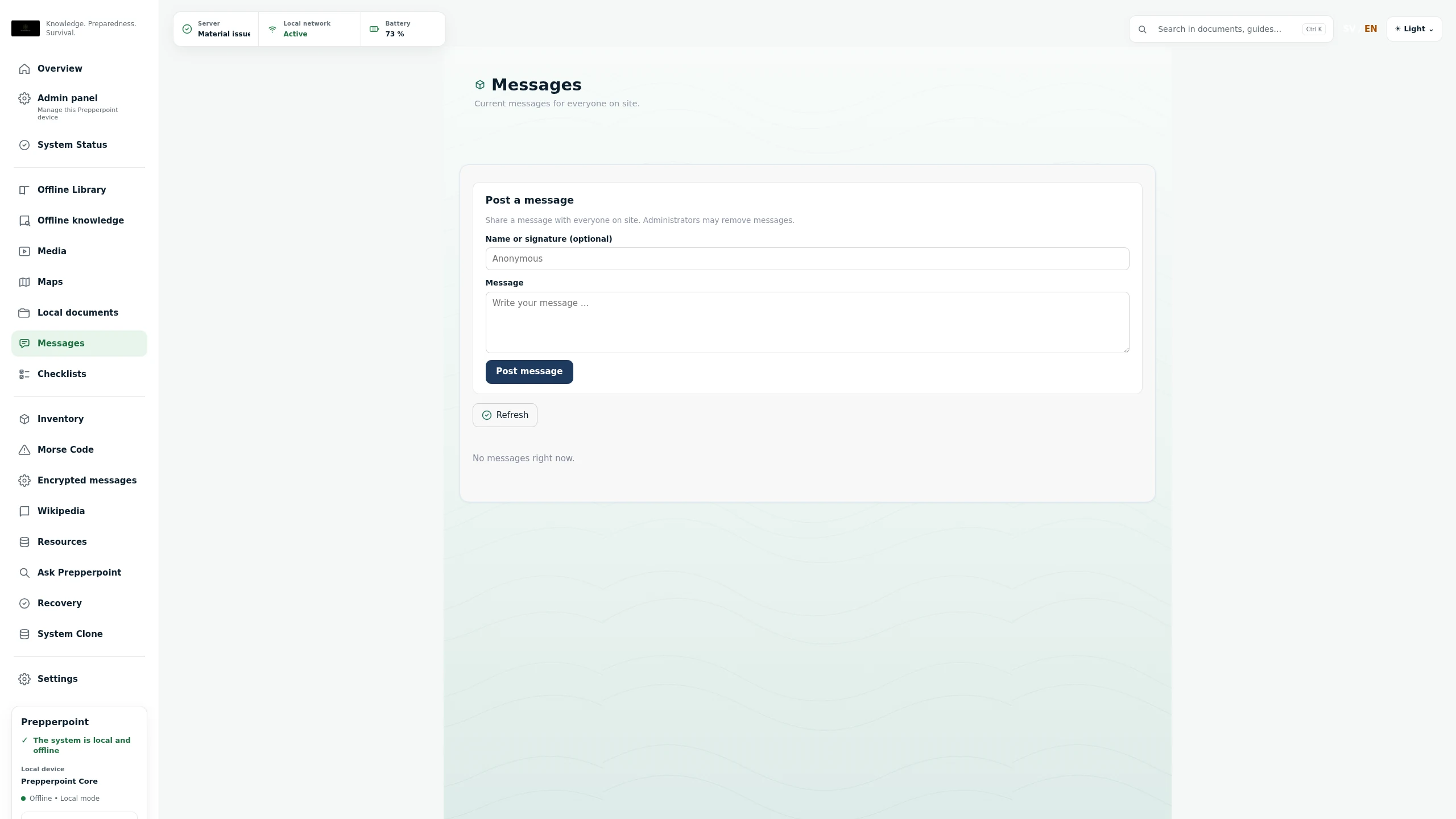
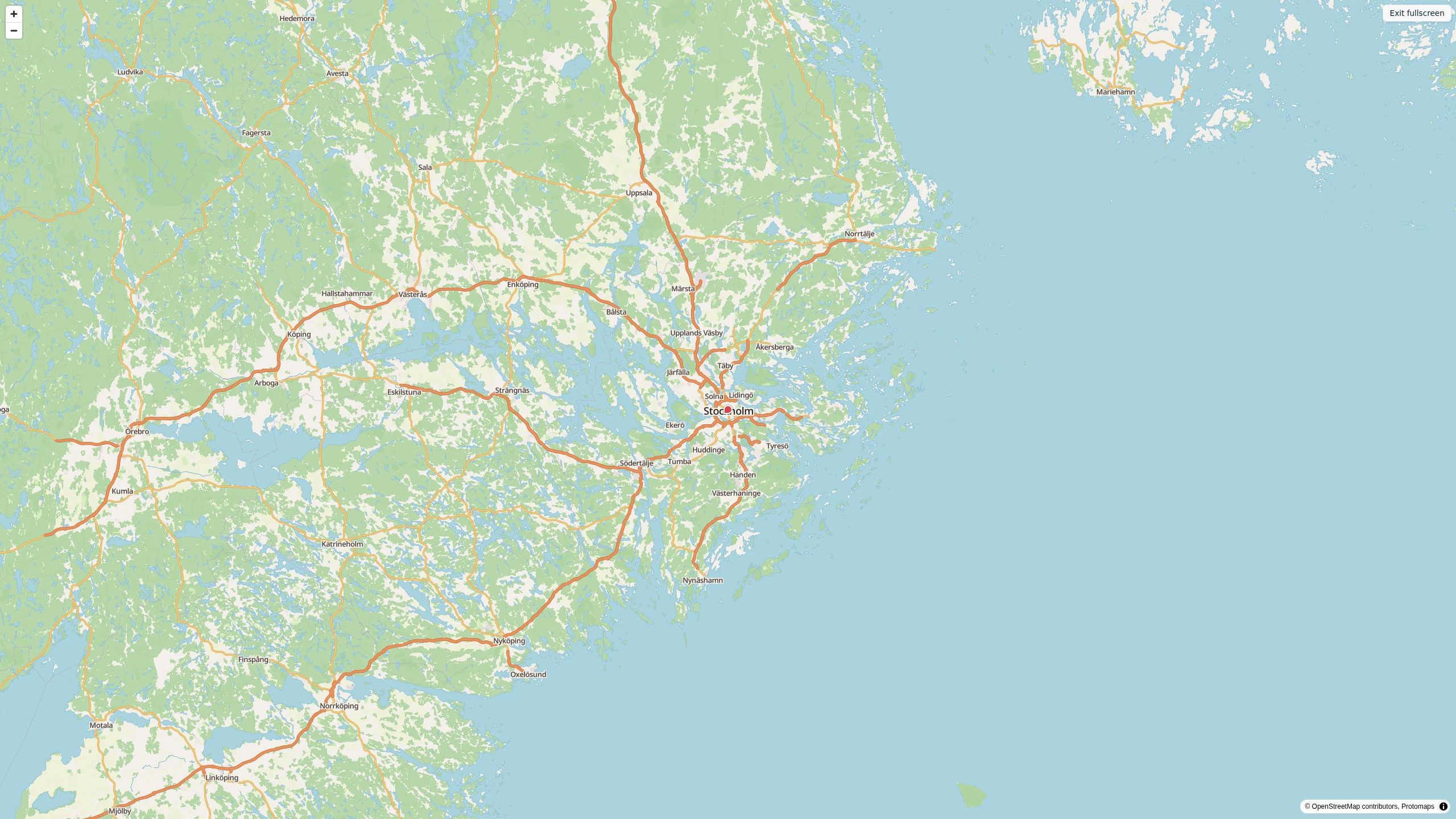
Open an image for a larger view. These are real installations; content and appearance may vary between versions.
WIKIPEDIA — EVEN WITHOUT INTERNET
Download the parts of Wikipedia you need — or a complete edition — before the connection disappears. Prepperpoint makes that knowledge available on the computer and to other devices on the local network.
Download a smaller collection, a language edition or a complete Wikipedia edition.
The content is kept on your own Prepperpoint device and requires sufficient storage space.
Open the encyclopedia locally when the internet is slow, unavailable or switched off.
Wikipedia content is downloaded in advance. Available packages, content and size can vary by language and edition.
LOCAL AI — WITHOUT A REQUIRED CLOUD
Prepperpoint can run compatible AI models directly on the computer. This provides AI assistance without internet and lets you work with locally stored material without sending every request to an external cloud service.
The AI model and relevant content must be downloaded in advance. Speed, model size and capabilities depend on the computer’s processor, memory and available storage. AI answers can be wrong and should be checked when the information matters.
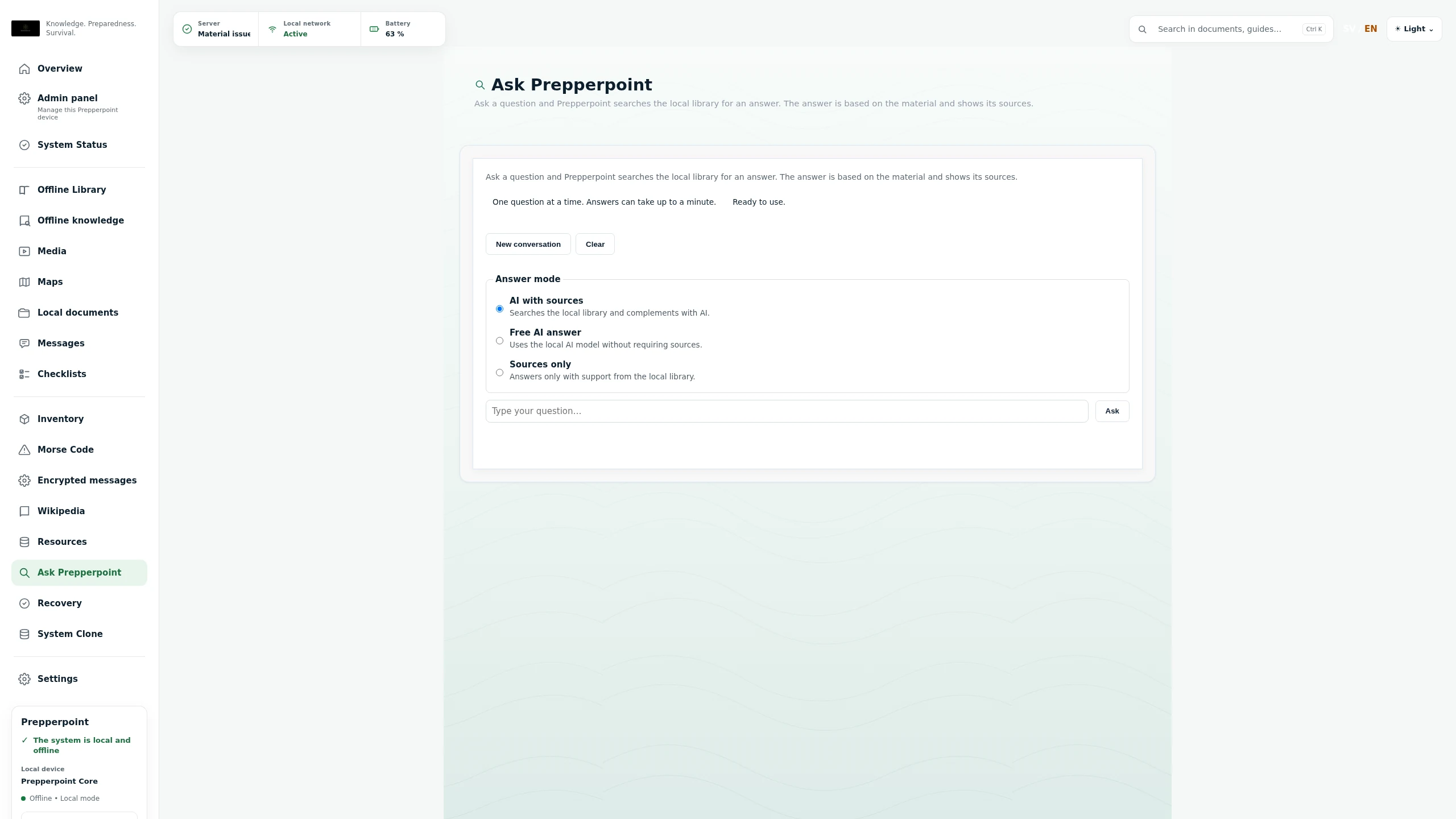
LOCAL AI
Run on the CPU without a dedicated graphics card. Response time and available memory depend on the computer, document workload and prompt length.
The lighter option. Active model in the photographed installation.
A larger option that needs more memory and may take longer to respond.
The model list is shown in installation screenshots from 19 October 2026. Installed content may differ between releases.
TAKE A LOOK INSIDE
A user portal for everyday access. An administration portal to keep everything organised.
Wikipedia editions, your documents and installed knowledge collections in one searchable offline library.
Actual interface · Example content · English screenshots · Library access from the user portal
SEE THE SYSTEM
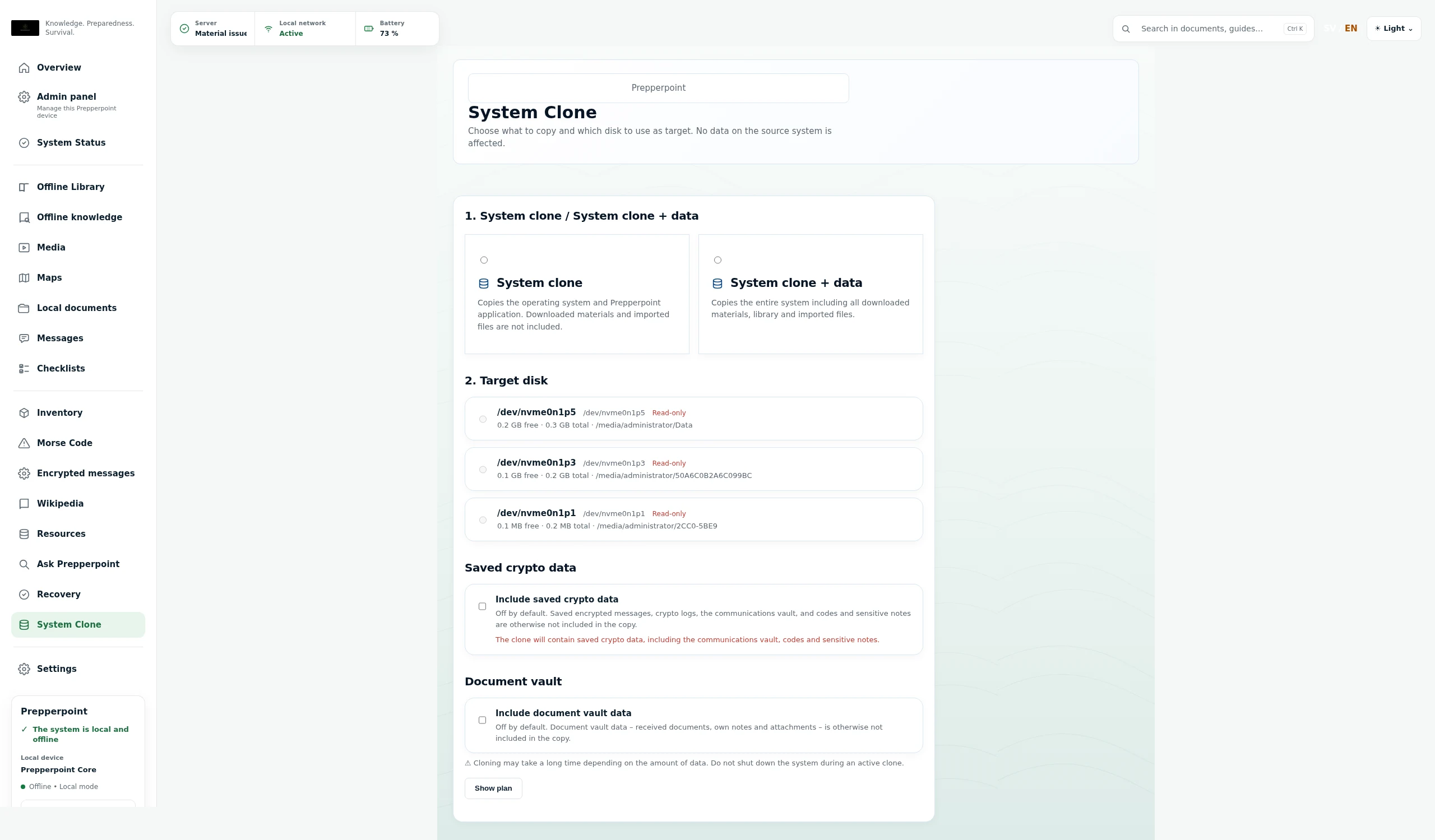
Animated original screenshots from a real installation.
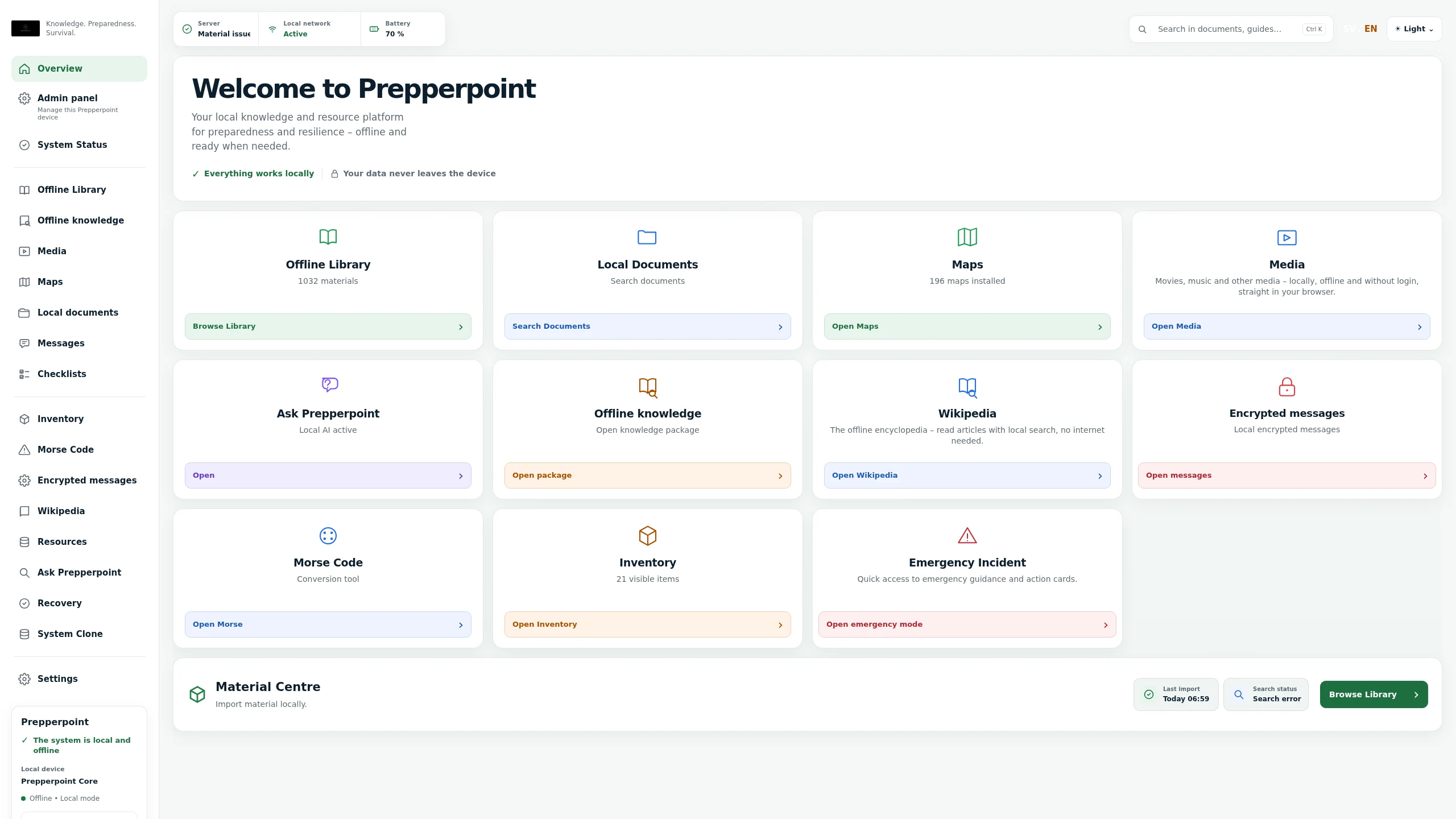
Library, documents, maps, inventory, knowledge packages and more – collected in one local portal.
Stock cards with quantities, best-by and expiration dates, plus an overview of macronutrients and water stock.
Installed maps are shown locally in Prepperpoint – here the Stockholm region.
WHY PREPPERPOINT?
Prepperpoint does not replace the internet. It brings essential resources into a prepared local environment for times when the internet cannot be used.
CHOOSE YOUR WAY
Download Prepperpoint and follow the guide to write it to your own SSD or USB drive.
DownloadRequest a quote for an SSD with Prepperpoint installed and agreed content prepared. We review your computer before you order.
Request a quoteAsk about a complete computer, installation on existing hardware or customisation for your home, group or organisation.
Tell us what you needSSD options to enquire about: SanDisk Portable SSD 1 TB or Samsung T7 Shield 1 TB. Larger capacities can be quoted. Your quote specifies hardware, selected content, installation checks, price and delivery. An external SSD requires a compatible computer; it is not a standalone server.
FAQ
Getting started, your account and using Prepperpoint offline.
Read the installation guideSTART A CONVERSATION
Curious about Prepperpoint? Tell us what you have in mind — for your home, your group or your organisation.